1.
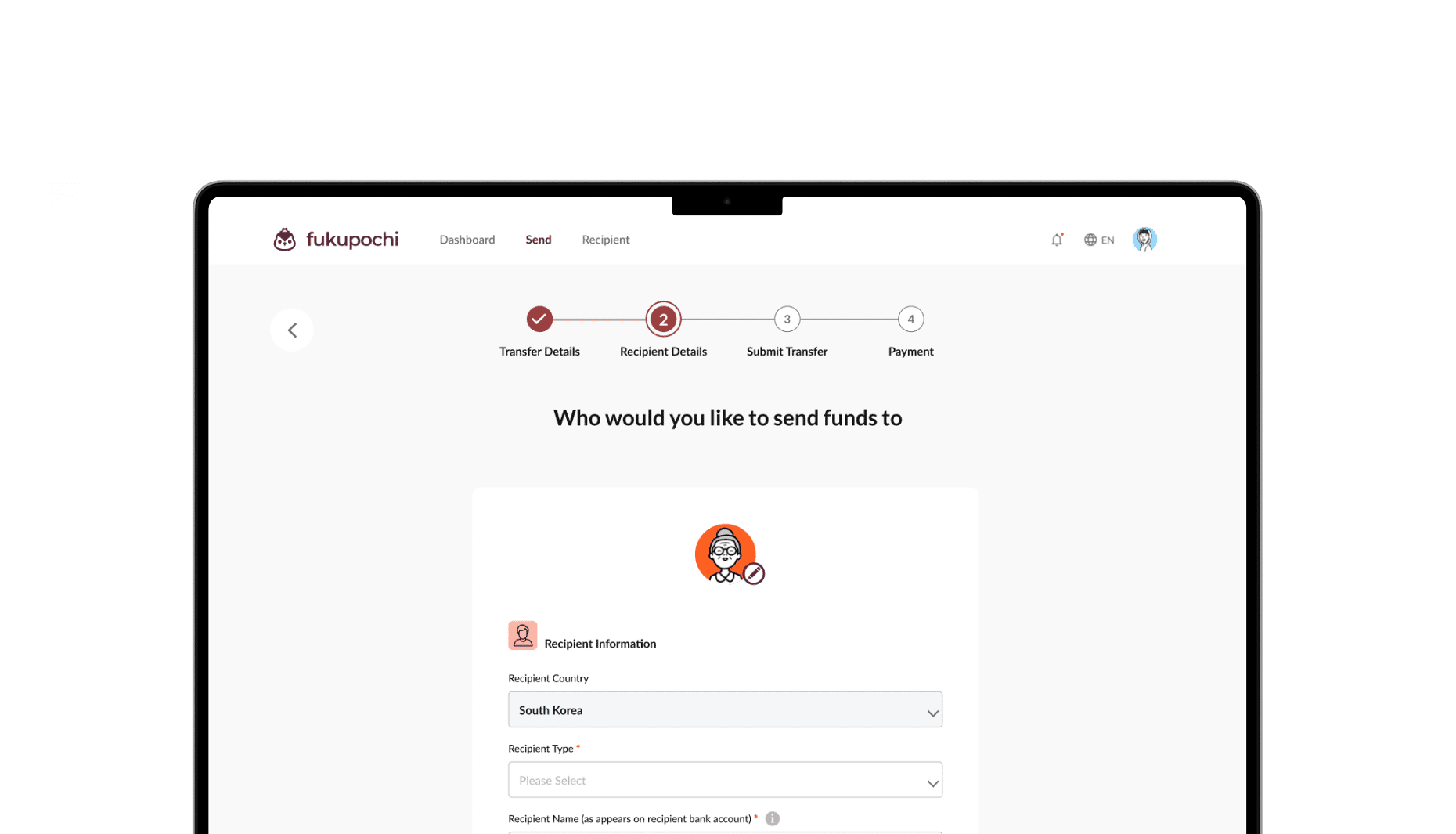
First, login to your account with Fukupochi. To submit a
transfer, head to the Send tab on the top of the page.
2.
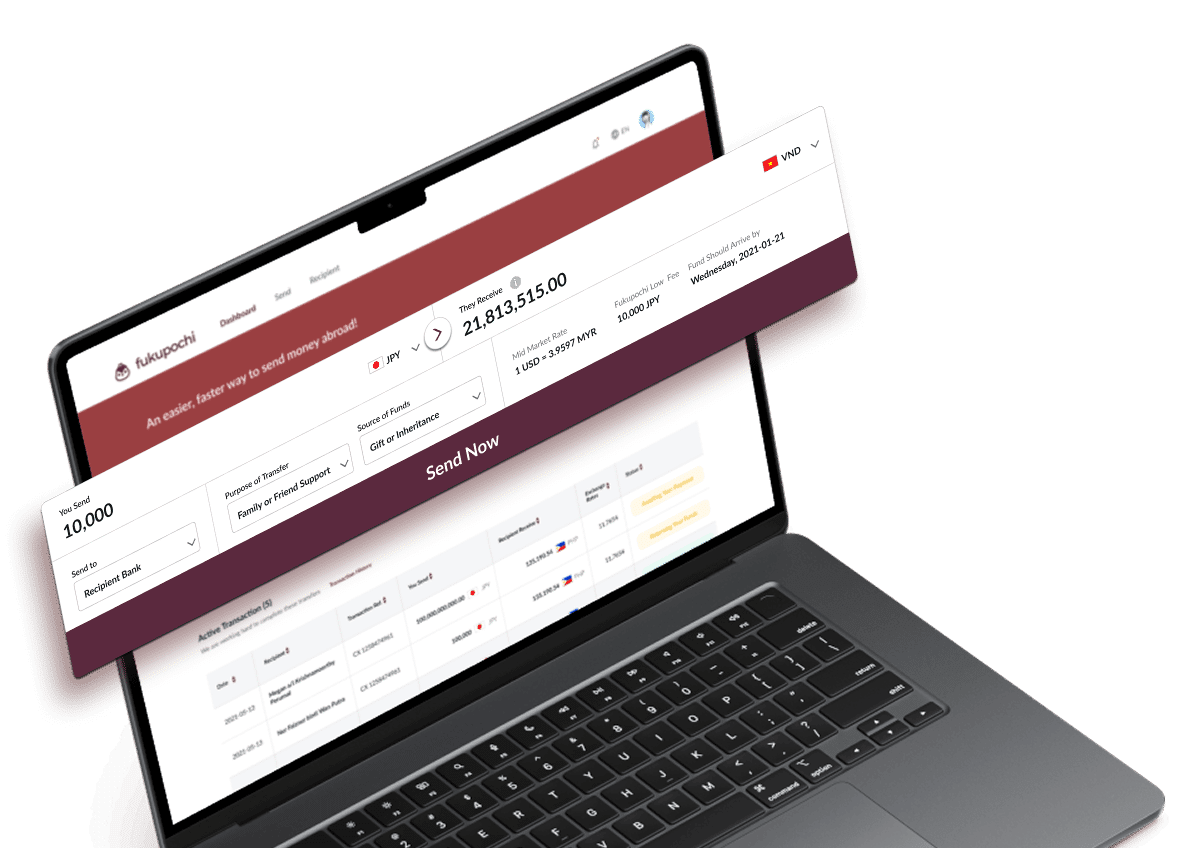
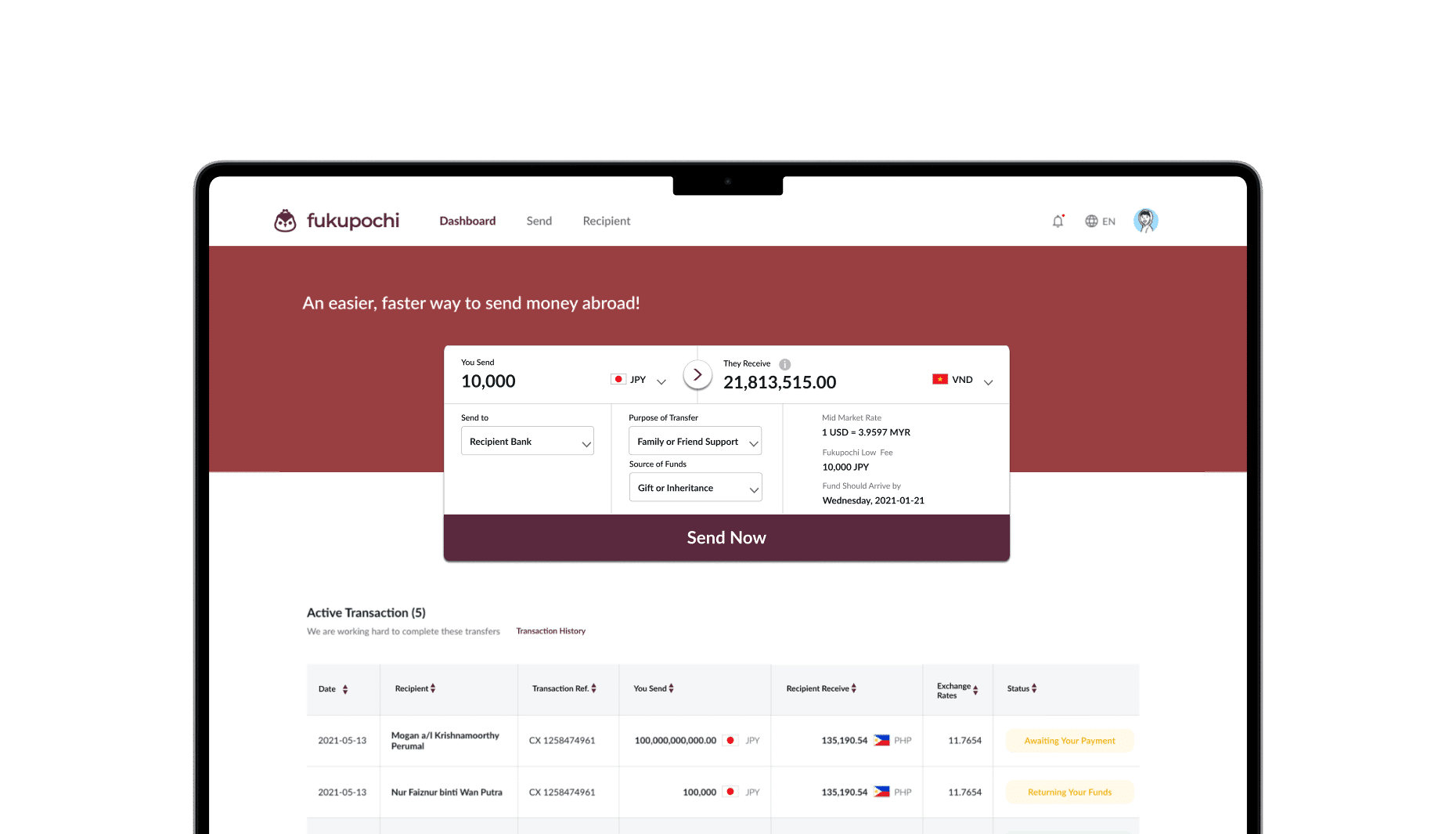
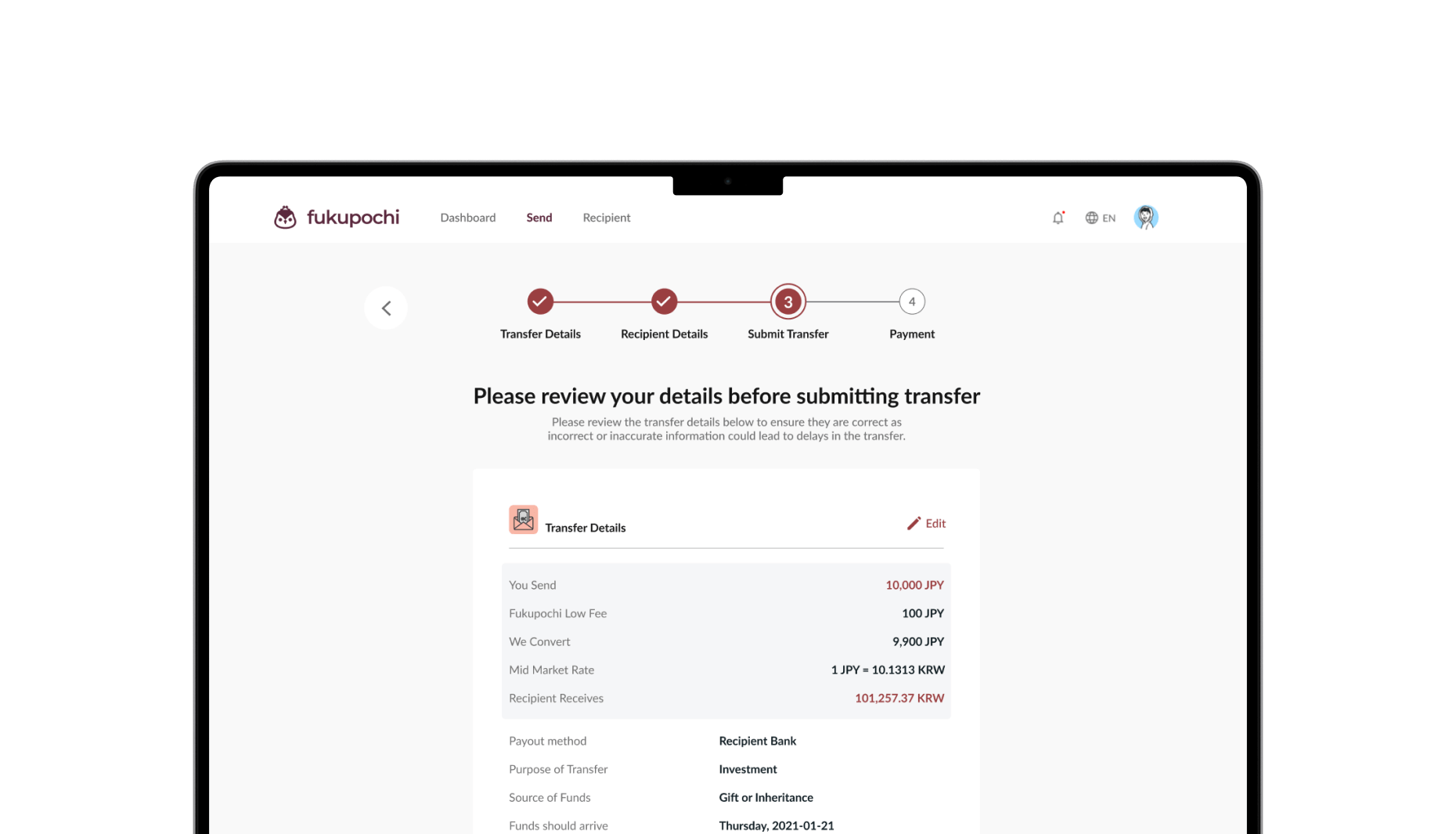
Input the amount you are sending and the amount your
beneficiary will receive will be displayed.
3.
You will also find the mid-market rate, transaction fees and
estimated date the funds will arrive clearly displayed.
4.
Choose from the following available options*, the method in
which your recipient would like to receive the funds:
*Available options depend on the recipient’s currency.
-
Recipient Bank: funds sent to the recipient’s bank account
-
Mobile Wallet: funds sent to the recipient’s mobile wallet (e.g., Alipay, WeChat Pay, etc.) — coming soon
5.
Select from the drop-down lists the purpose of transfer and
the source of funds that best suit this transfer.
*We are required to collect these information as part of our
due diligence as required by regulations.






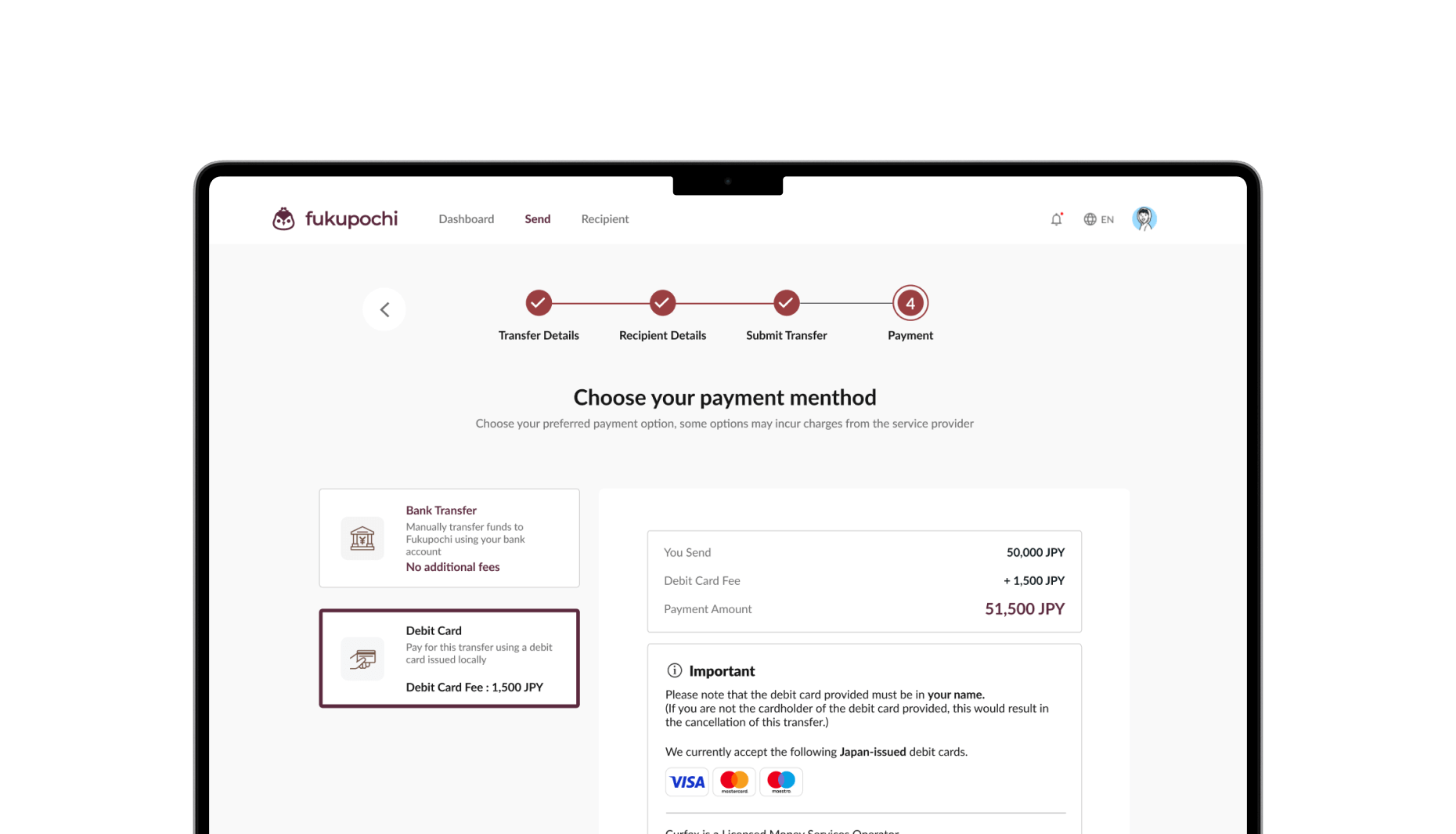
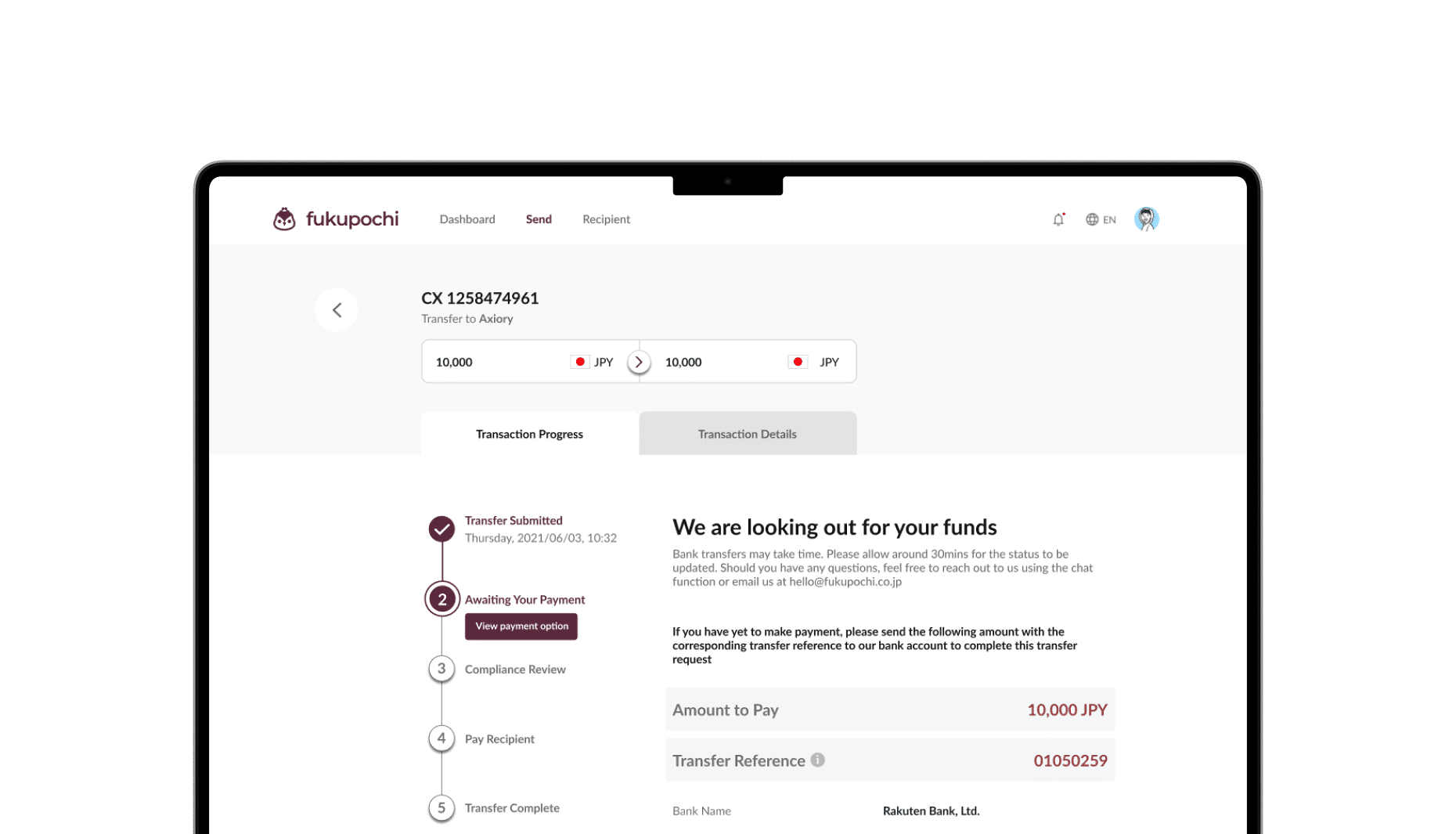
 Bank transfer
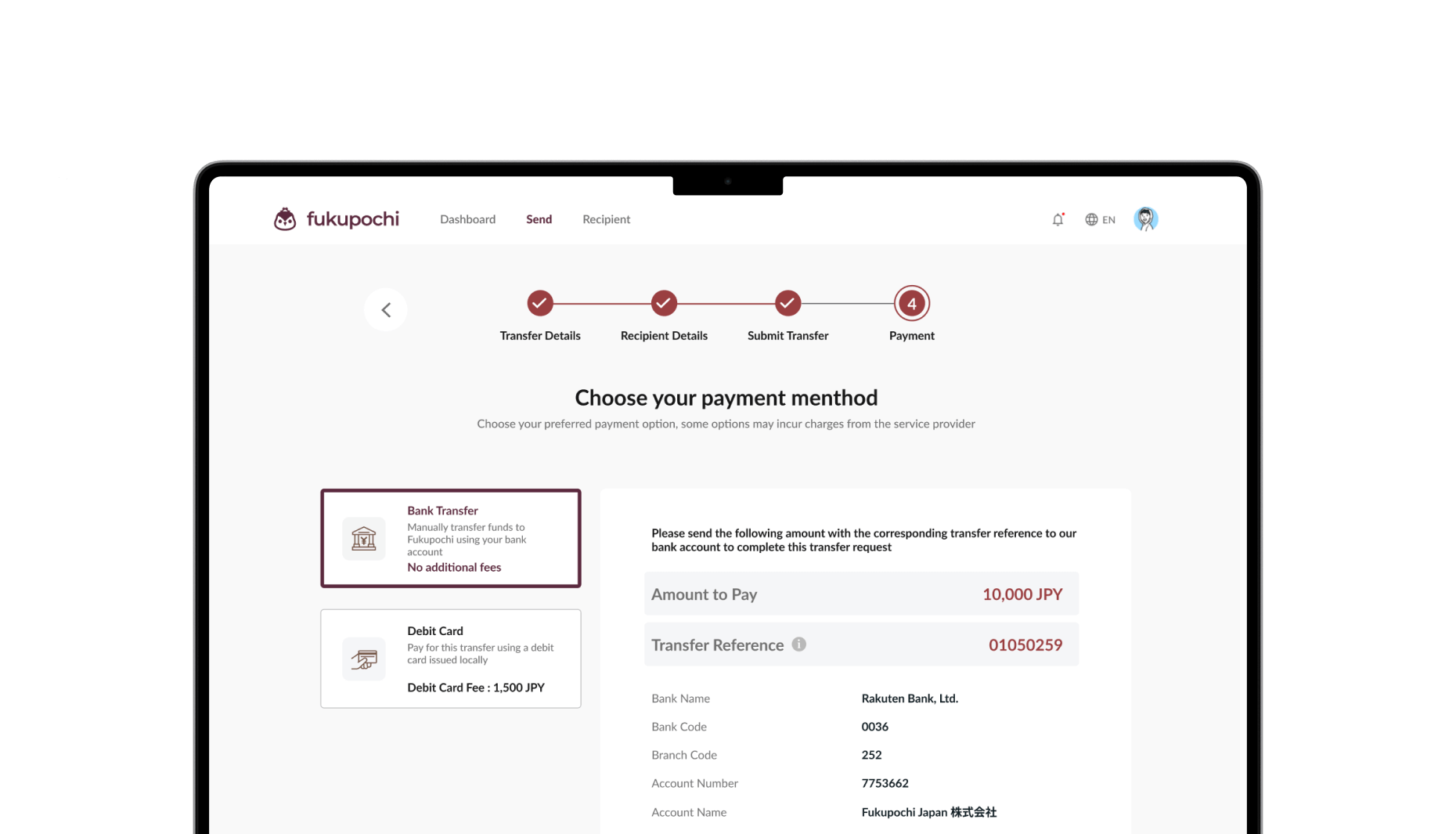
 Debit card